
Why business Wi-Fi so often disappoints
The complaints are almost always the same. The video call drops in the meeting room. A laptop shows five bars by the window and still will not connect. Once everyone is online at lunchtime, everything slows to a crawl. And walking from the desk to the sofa is enough to lose the connection on the way.
Hardware alone is rarely the reason. In most cases the access points were mounted wherever a network socket happened to be, rather than where they belong from a radio point of view. Add too much transmit power, overlapping channels and a single router that was really designed for a flat, and you get a network that exists on paper but does not hold up day to day.
That is why we start by measuring. Before the first hole is drilled we know how many access points are needed, where they go and how much power they should transmit. After that the network runs without anyone having to adjust it constantly.
A network that just grew
A planned network
What we do for your Wi-Fi
Wi-Fi survey and RF planning
Based on the floor plan, building materials and how the space is used, we determine how many access points are needed and where they go.
On-site visit and measurement
We measure the existing radio environment, identify sources of interference and check what can be kept from your current equipment.
Installation and mounting
Proper mounting on ceilings, walls or masts, discreetly placed and cleanly connected to the network.
Cabling and PoE switches
Fitting network sockets, running cable and setting up switches that power the access points directly.
Guest Wi-Fi with a landing page
A landing page in your own branding, with terms of use, access codes or open access, whichever suits you.
Network segmentation with VLANs
Guests, staff, point-of-sale systems and building technology run on separate networks that cannot see each other.
Bandwidth control
Limits per device or group, so that a single download does not block the line for everyone else.
Roaming between access points
Moving from one area to the next happens in the background, without dropping calls or video meetings.
Outdoor areas and terraces
Weatherproof outdoor access points for courtyards, roof terraces, beer gardens and open areas, all on the same network.
Monitoring and remote support
We see load, interference and failed devices, and step in before anyone has to report a problem.
Troubleshooting existing networks
If a network is already in place and does not run smoothly, we find the cause instead of swapping hardware.
Internet connection and router
Connecting to your line, with a second connection as a fallback if you want one.
Wi-Fi for your industry
Every space brings its own requirements. A hotel needs coverage in every room, a coworking space has to carry hundreds of devices at once, and a medical practice has to keep patient data cleanly separated from guest access.
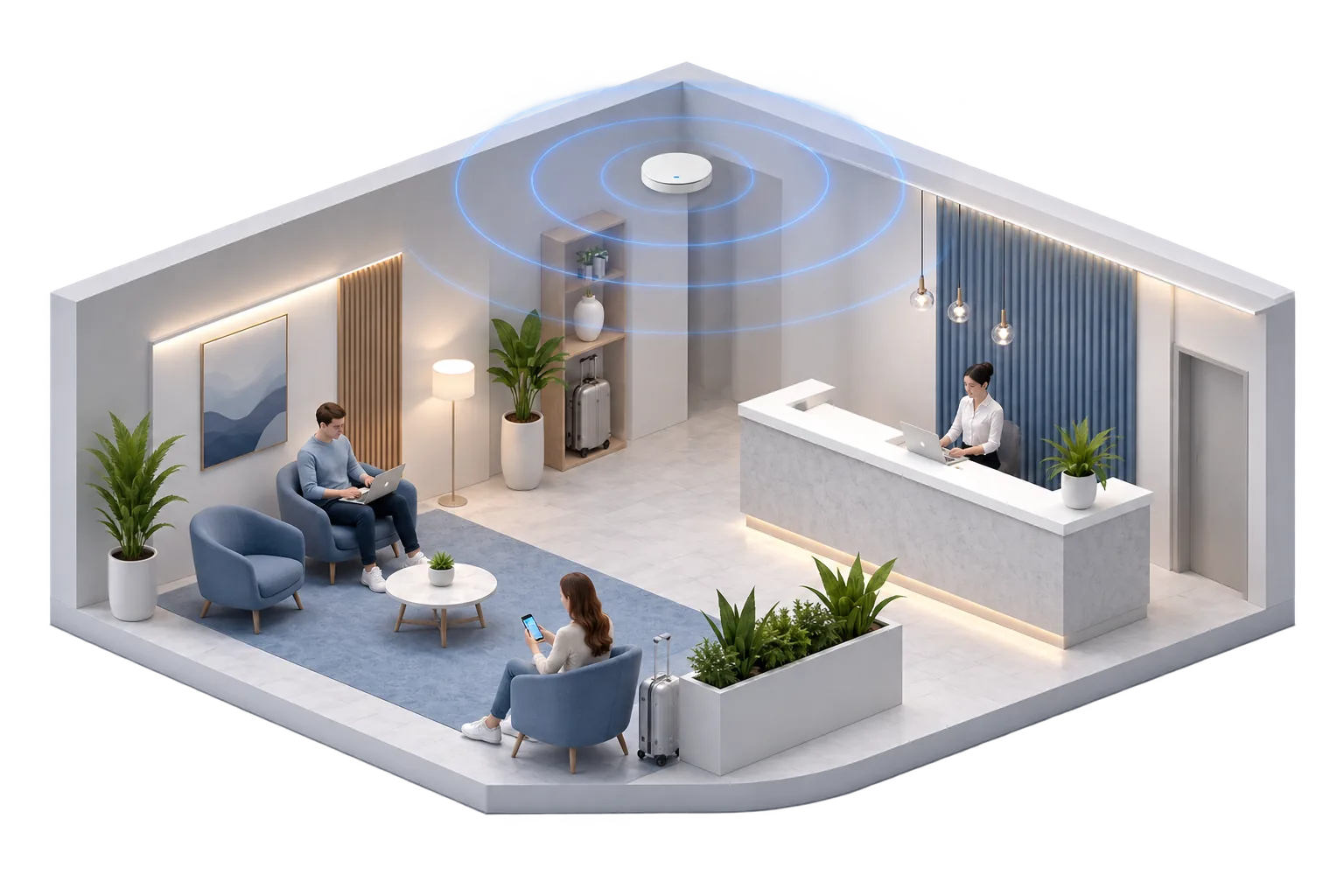
Guest Wi-Fi that does not cost you a review
Few things come up in hotel reviews as often as the Wi-Fi. Guests expect it to work equally well in the lobby, in the restaurant and in a room on the top floor, without having to log in again each time.
We plan coverage across every floor, keep guest access strictly separate from the management network and cap bandwidth per device, so that one download cannot slow down half the building. Guests sign in through a landing page in your own branding.
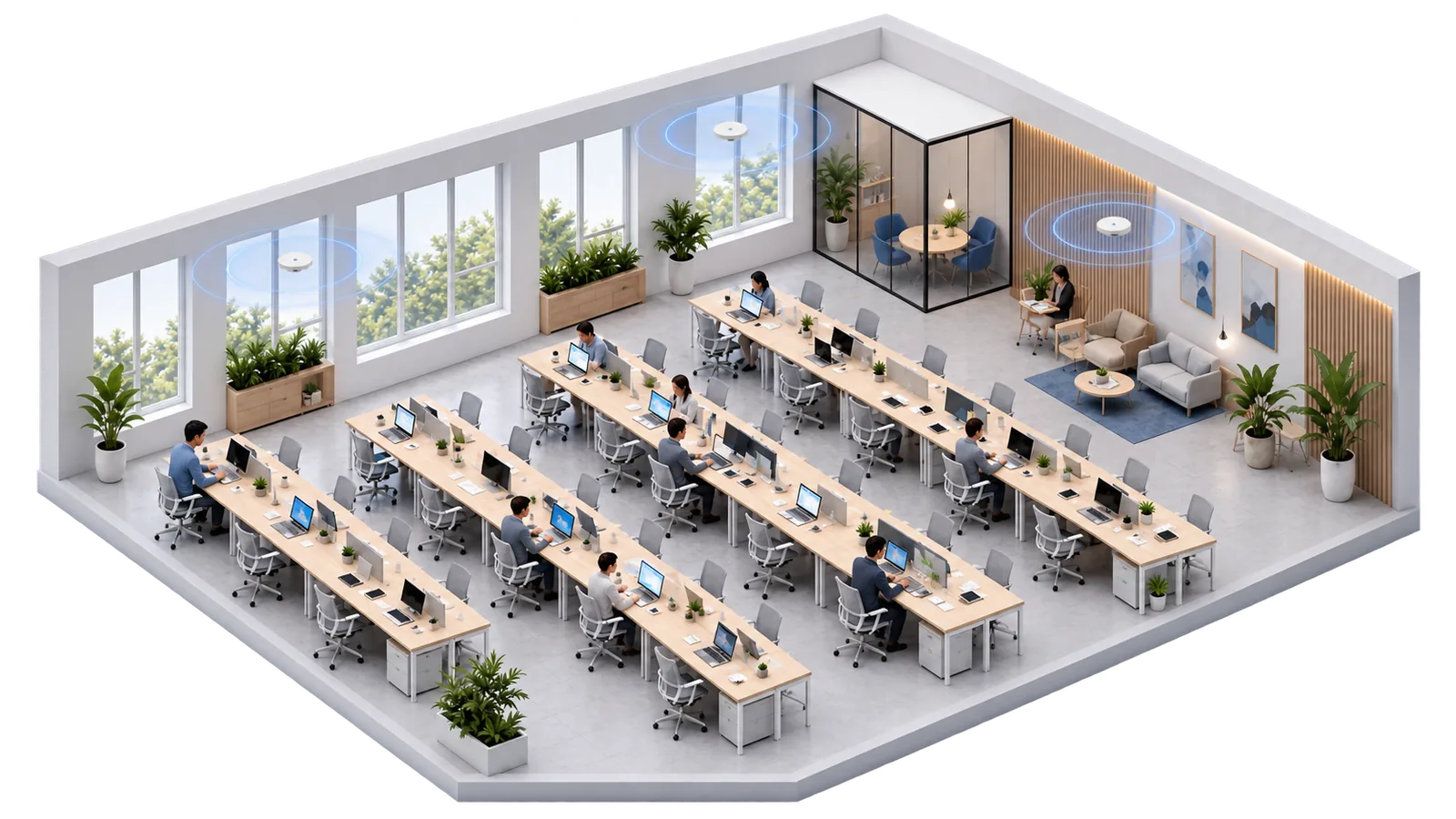
Many devices in a small area
In coworking spaces and open-plan offices, everyone brings at least a laptop and a phone, plus headsets, tablets and monitors with their own connections. The challenge is not range, it is density.
Here we work with several access points at deliberately reduced transmit power, clearly separated channels and devices spread across the available bands. The 6 GHz band in Wi-Fi 7 adds room that older networks simply did not have.

Covering terraces, courtyards and open areas
Roof terraces, courtyards, beer gardens and yard areas are often left out of the planning. An access point shining through a glass front from inside is not enough. Two tables further along, the connection is gone.
For those areas we use weatherproof outdoor access points that run on the same network as the equipment inside. Moving outdoors happens in the background, with no need to sign in again.

Warehouse Wi-Fi your inventory system can rely on
In warehousing and logistics, Wi-Fi is not a comfort feature. Handheld scanners, forklift terminals and tablets book every pallet movement straight into the inventory system. If the connection drops between the racking aisle and the loading bay, the booking is left hanging and stock levels no longer match what is actually on the shelf.
Warehouses are demanding from a radio perspective: high ceilings, steel racking, metal packaging and stock that changes daily. So we survey along the routes people and vehicles actually take rather than working from the floor plan, and we set the network up so that mobile devices move from one access point to the next without interruption as they travel the aisles.
Other places we cover
Offices and companies
Dependable coverage in meeting rooms, open areas and side rooms.
Startups and tech firms
Networks that can grow quickly as the team gets bigger.
Restaurants and cafés
Guest access across the floor, a separate network for tills and ordering.
Practices and clinics
Patient data kept strictly apart from the waiting room Wi-Fi.
Retail and branches
One consistent network across several locations, managed centrally.
Event venues
Conference rooms and halls that hold up at full capacity.
Residential buildings
Coverage across many units with separate access per resident.
Wi-Fi 7 and the 6 GHz band
Wi-Fi 7 is the current standard and the most capable basis for a business network right now. What matters is less the peak figures on the data sheet than what actually arrives in daily use. Ubiquiti now offers both indoor and outdoor access points at this level, so a site can be built out consistently.
The 6 GHz band as extra room
Alongside 2.4 and 5 GHz there is now a third band that is barely used. Current devices move over to it, older ones carry on unaffected.
More throughput per device
Wider channels and more efficient transmission mean large files and video calls spend less time on the air.
Lower latency
This matters for voice over the network, video meetings and any application that has to respond to a server.
Indoor and outdoor at the same level
Matching access points exist for indoor and outdoor use, so a whole site can be built out to one standard.
One thing is worth keeping in perspective: a new standard does not rescue a badly planned network. If too few access points sit in the wrong places, or the cabling cannot keep up, Wi-Fi 7 will not settle things either. That is why planning comes before hardware selection here.
From site visit to a running network
First conversation
You describe the space, how it is used and what does not work today.
Site visit and measurement
We come by, measure the radio environment and record the conditions on site.
Plan and quote
You receive locations, a parts list and a fixed price, itemised so you can follow every line.
Installation
Mounting, cabling and configuration, outside your business hours if you prefer.
Handover and operation
Verification measurement, handover and ongoing support with monitoring if you want it.
The equipment we use
We work mainly with Ubiquiti UniFi. The range covers small offices through to large commercial sites, can be managed centrally and comes without recurring licence fees per access point. For special cases we use other systems as well.
Access points
Network
Management
Access
What a planned wireless network gives you
Common questions about business Wi-Fi solutions
The largest item is the number of access points, and that follows from floor area, construction and device count. A single office comes in well below a hotel with several floors. After the site visit we give you a fixed price with a parts list, so you can follow every item.
In a flat, yes. In a business, rarely. A single device cannot cover several rooms evenly, and turning up the transmit power usually makes things worse, because devices cling to a distant station. Several coordinated access points at lower power achieve far more than one powerful box.
Sometimes. During the site visit we check which devices are still at a usable level and whether they can be brought into one central management system. If the hardware is too old or cannot be managed centrally, we say so openly rather than nursing it along.
For manageable spaces it is often two to three weeks from site visit to finished network, including one day of installation. If new cable has to be run, add the time for the cabling. Where a business is running as normal, we work evenings or weekends on request.
You should publish terms of use and keep guest access technically separate from the internal network. We set that up and document the configuration. For the legal detail, such as the wording in your privacy notice, you should also involve your own legal advisers.
Necessary, no. Sensible, often yes. If you are building out anyway, there is little reason to settle for an older standard. Where a well planned Wi-Fi 6 environment is already in place, swapping it out immediately rarely pays off. We look at your situation and tell you what makes sense.
If you want us to, yes. Under a service agreement we monitor the access points, apply updates and step in when something goes wrong. You are equally welcome to run the network yourself. The credentials and the documentation are yours either way.
Free on-site survey in Berlin and Brandenburg
We look at your space, measure the existing network and tell you what is needed. You then receive a quote with no obligation and a clear parts list. We reply within one working day.